Toji Motion
Toji Motion app icon

Motion graphics for Android

Download Toji Motion

Toji Motion brings a layered timeline, keyframe animation, effects and presets to an Android phone. Wait for the short countdown, then use the download button below.

Your download link is ready in

6

Advertisement
File
Toji Motion APK
Format
APK
Version
5.0.161
Size
170.16 MB
Requires
Android 6.0 and up
Price
Free
Availability
File linked below

Before You Download

Two checks prevent nearly every failed install. First, storage: the phone needs room for the file, the installed app, and the rendered exports you plan to keep. Second, version fit: the current build needs Android 6.0 or newer, and very old phones will feel heavy projects long before they refuse them. Compare the file details on this page with the APK details table on the home page before installing anything.

Install in Short

Wait for the countdown, use the download button when it appears, allow installs for the browser used, open the downloaded file, read the permissions, and confirm. Then open Toji Motion, start a test project with one short clip, and run a five second export to confirm the phone handles the full loop before you build a long edit.

After Install

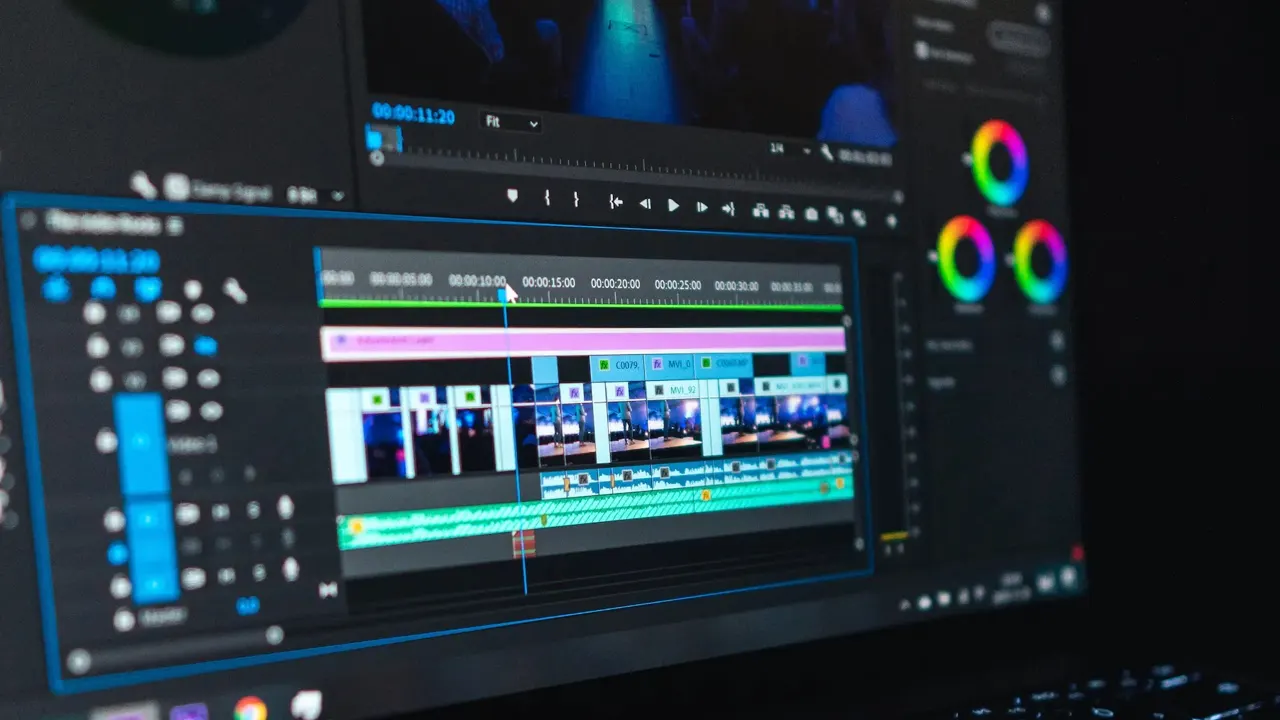
Start with the timeline basics: add a clip, add a text layer, set two keyframes and watch it move. Then stack one effect, open the graph editor once, and save the result as your first preset. That twenty minute loop teaches more of this editor than any menu tour, and every guide on this site builds on it.

Download FAQs

Where is the Toji Motion download button?

The button appears on this page after the short countdown, in the spot above, carrying the measured size of the linked file, 170.16 MB. The file opens in a new tab.

Why does the download page show a countdown?

The short countdown gives the page time to load fully and keeps accidental taps from starting a download before the file details have been read.

What phone does Toji Motion need?

An Android phone running Android 6.0 or newer. Layered projects with many effects run best on a mid-range or better phone.

Does the file link open in a new tab?

Yes. The actual file link opens in a new tab, while the download button on the home page opens this download page in the same tab.

Is the Toji Motion download free?

Yes. The app is free, and this page does not charge for the file or the guides.

How do I know the file here is the right one?

Its measured size, 170.16 MB, is printed on the button and in the file details on this page. If a file you receive measures anything else, it is not the file this page links.

How do I install the APK after downloading?

Allow installs for your browser, open the file, read the permissions, and confirm. Then open the app and run a short test export before starting a long edit.

Can I use Toji Motion offline after installing?

Yes. Editing, previewing and exporting all run on the device, so no connection is needed after the install.

Suggested Guides