
Guide
Keyframes in Toji Motion: Your First Smooth Animation
Keyframes are the whole craft of Toji Motion: a start state, an end state, and the motion between them. This guide sets your first pair and makes it move well.
 By Felix Marlowe, Motion Graphics App Reviewer
CUE SHEET On this page
The Idea: Two Promises
A keyframe is a promise about a layer at one moment: its position, scale, rotation or opacity at that exact frame. Set two promises and the app draws everything between them. The Toji Motion APK download guide lists keyframes as the core tool for a reason: shakes, zooms, slides and fades are all just pairs of promises with different timing.
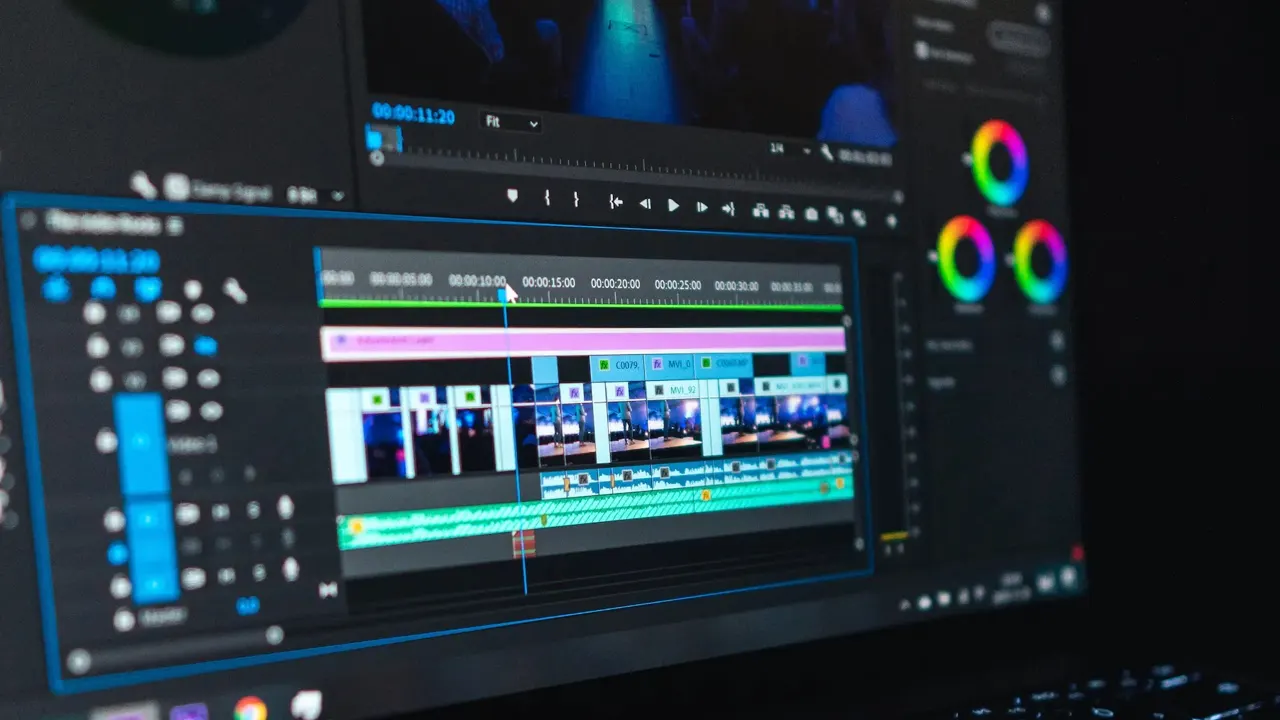
Start with the simplest useful animation. Put a text layer on the timeline, move the playhead to its first frame, and set a keyframe with the text small and transparent. Move the playhead forward one second, enlarge the text, make it fully visible, and set the second keyframe. Play it back: the title grows and fades in, because the app filled the space between your two promises.
Placing Keyframes Well
Most stiff animation is a placement problem, not a tool problem. Keyframes set too far apart make motion lazy; set too close, it snaps. Work against the audio waveform and the beat: a move that must land on a drum hit ends on that frame, and its start is counted back from the hit, not forward from wherever the layer begins. The shake workflow in the shake effect guide is built entirely on this counting habit.
Copy and paste keyframes to repeat a move instead of rebuilding it. A bounce, a pulse or a camera nudge becomes a pattern you can stamp along the timeline and then adjust as a group.
Making It Smooth
Two keyframes alone move at a constant speed, which is why first animations look robotic. The fix is easing: motion that starts fast and settles, or gathers speed into a hit. Toji Motion shapes that easing in its curve view, and the graph editor guide walks through the three curves that cover almost every edit: the settle, the snap and the slow drift.
Preview at full speed after every change. Smoothness is judged in motion, never from the timeline, and a curve that looks right as a picture can still feel wrong as a movement.
Where Keyframes Lead
Once pairs of keyframes feel natural, the whole editor opens up: multi-keyframe paths for camera moves, opacity chains for flashes, and per-character text animation for lyric work. The animated text guide is the natural next step. When you need the app itself, the download page on this site is the place to get it.
Quick Answers
What is a keyframe in Toji Motion?
A saved state of a layer at one moment: position, scale, rotation or opacity. Two keyframes create the motion between them.
Why does my animation look robotic?
Constant speed between keyframes. Shape the easing in the graph editor so the motion accelerates and settles like a real movement.
How many keyframes does a simple move need?
Two. One for the start state and one for the end state. Add more only when the path itself must change direction.