Guide
Masking in Toji Motion: Hide and Reveal Layers Cleanly
A mask decides where a layer is allowed to exist. This guide draws your first mask in Toji Motion, softens its edges, and puts it on keyframes so reveals and wipes move with the edit.
 By Felix Marlowe, Motion Graphics App Reviewer
CUE SHEET On this page
What a Mask Actually Does
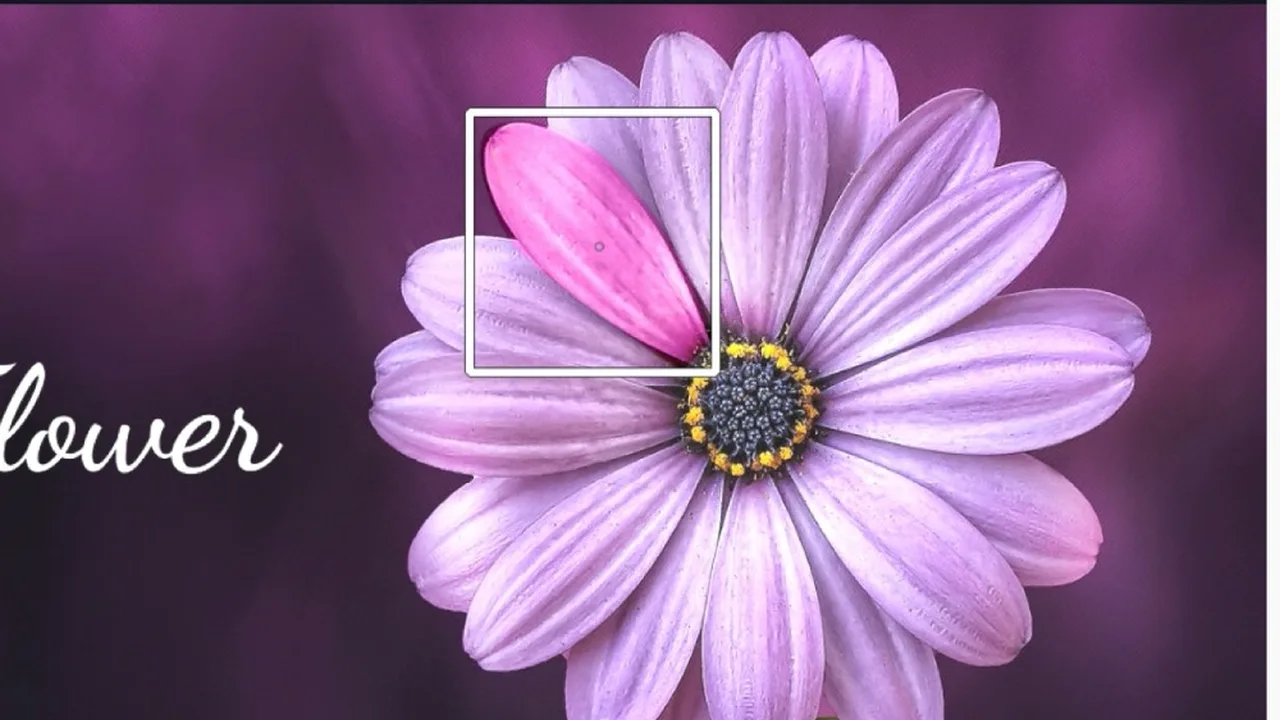
A mask is a shape drawn over a layer that decides where the layer shows and where it vanishes. Inside the shape, the layer lives; outside it, whatever sits beneath comes through. In the Toji Motion editor nearly every polished reveal, wipe and text-behind-object effect is a mask doing quiet work.
Think of it as cutting a window rather than painting a picture. The layer itself never changes; you are only choosing the part of it the audience is allowed to see.
Your First Mask Reveal
Start with the classic: a title revealed as if a curtain lifts. Put a text layer over a background, draw a rectangle mask across the whole text, then shrink the mask to nothing at the layer's first frame. One second later, open the mask to full width. Played back, the title wipes into existence.
Draw masks at the frame where they must fit best, usually the end state, and work backwards. A mask drawn loosely at the wrong moment spends the whole animation apologising for itself.
Feather and Edges
A hard mask edge is a confession. Real light and real focus fall off gradually, so feather the edge until the boundary stops announcing itself, then judge at playback speed rather than frozen. Still frames make liars of us all: an edge that looks rough paused may be invisible in motion, and the reverse is just as true.
Layer order decides the rest. How masks interact with the layers beneath them leans on the same logic as our blending modes guide: what sits below a masked layer is part of the effect, not an accident.
Masking With Keyframes
The mask becomes an instrument when its shape and position take keyframes of their own: a window that follows a moving subject, a reveal that tracks a hand, a wipe with an angle. The method is the one from our keyframes guide, with the mask's points joining position and scale as things that can promise two states and glide between them.
Keep the point count low. Every extra point is a promise you must keep at every keyframe, and simple masks animated bravely beat complex masks animated timidly.
When you need the app itself, the download page on this site is the place to get it.
Quick Answers
What is the difference between a mask and just cropping a layer?
A crop trims the layer's frame as a whole. A mask is a drawn shape that can be soft edged, partial, and animated, so the visible region itself can move and change.
Why does my mask edge look rough?
It needs feathering. Soften the edge and judge the result at playback speed; most rough edges disappear once the feather matches the scene's focus.
Can one layer carry more than one mask?
Yes. Layers can hold multiple masks, which lets one part reveal while another stays hidden. Keep each mask simple so the keyframes stay manageable.