
Guide
Toji Motion for PC: Run the Motion Editor on a Bigger Screen
Toji Motion is an Android app, so a PC runs it through an Android emulator. This guide covers the setup, the controls, and when the big screen actually helps an edit.
 By Felix Marlowe, Motion Graphics App Reviewer
CUE SHEET On this page
The PC Route, Plainly
Toji Motion is built for Android, so a computer runs it inside an Android emulator, a program that hosts Android apps on a desktop. The Toji Motion APK page covers the phone install first, because the emulator install repeats the same steps once a virtual Android device is running. Pick a well known emulator, install it from its own site, and set up its Android environment before touching the app file.
Give the emulator enough memory before you judge performance. A layered timeline with stacked effects is heavier than the casual games emulators are tuned for, and a starved emulator makes a capable editor look broken.
Setting Up the Big Screen
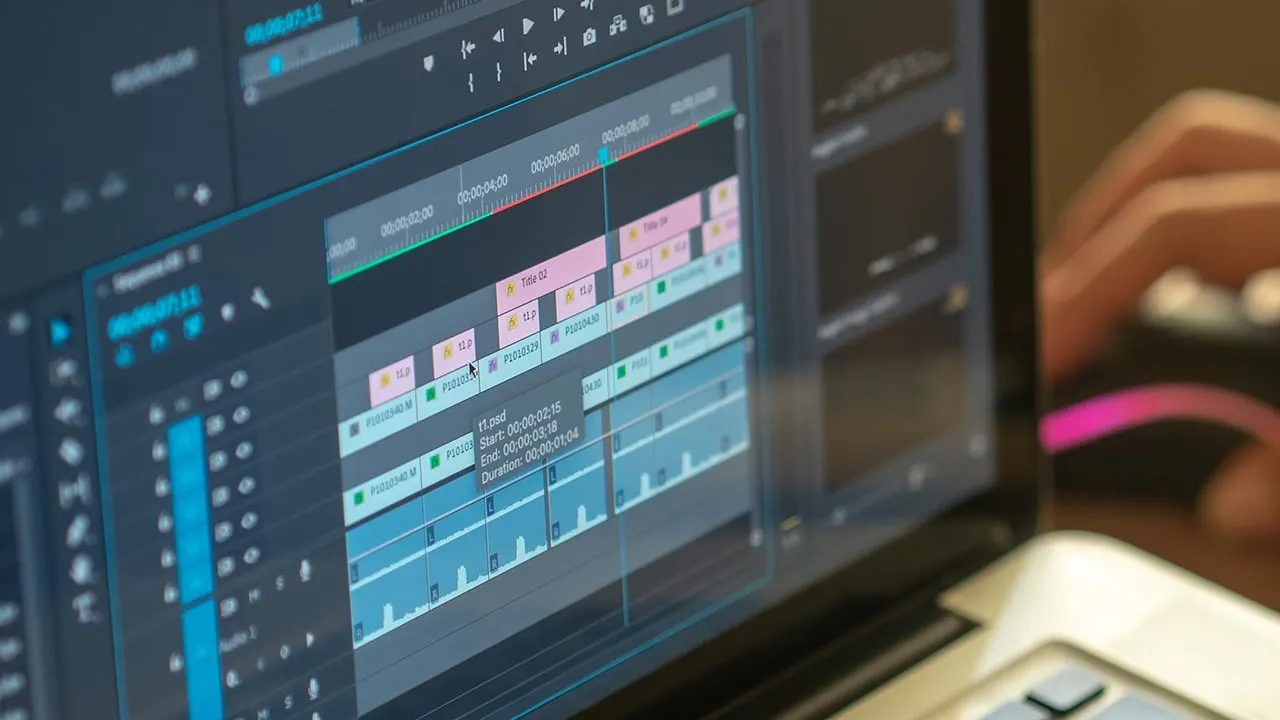
Once the app is installed inside the emulator, set the window to a size that shows the whole timeline and raise the emulator resolution one step at a time. Editors moving from a phone notice the gain immediately: keyframes can be placed with a mouse at frame accuracy, and the graph editor stops being a fingertip guessing game. For curve work specifically, the graph editor guide shows what that accuracy buys.
Connect a stable network only for the setup itself. Editing and exporting run locally, so a session does not depend on your connection once the app is in place.
Controls and Shortcuts
A mouse replaces touch: click a layer to select it, drag a keyframe to retime it, and use the scroll wheel where the emulator maps it to zoom. Keyboard shortcuts depend on the emulator's key mapping screen, so spend five minutes there once and save the profile. Editors who split their work, cutting on the phone and finishing curves on the PC, should keep project backups in a shared folder. The habits in the update guide double as a safe way to move projects between devices.
Limits Worth Knowing
An emulator adds its own overhead, so a weak computer can preview worse than a mid-range phone even while it renders about the same. Colour judgment is the other limit: a cheap monitor grades differently from the phone your audience watches on, so check the final export on a phone before posting. When the file is needed, the download page is the place to get it from this site.
Quick Answers
Does Toji Motion have a PC version?
No. It is an Android app, so a computer runs it through an Android emulator.
Is editing in an emulator slower?
Previews can be slower on a weak computer, because the emulator adds overhead. Renders are usually comparable to a mid-range phone.
Can I move projects between phone and PC?
Yes. Back up the project files and open the same backup inside the emulator install, keeping one folder as the shared source.